
Interactive demo
You are trying
Sample dataDemo CaféCafé / restaurant
Simulation with sample data: it runs in your browser only — nothing is sent, no account is created, and each business keeps its own cart and stock.
Change the business
Your customer’s side
Order ahead for pickup
Order from the customer’s phone; the order reserves stock at the branch and shows in the café’s reports below.
Demo CaféSample data
Where would you like to order from?
In the app each branch has its own ordering link and QR code; scanning the one at the door opens this branch directly.
Behind the counter
The register, stock per branch, the member’s points and the reports — the online order above lands here too.
Register 1 · Main BranchShift open
Tap a product to add it
Sale
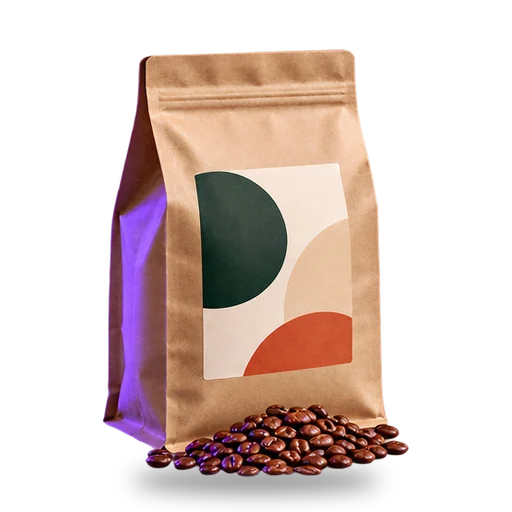 House blend beans 250 g47.00
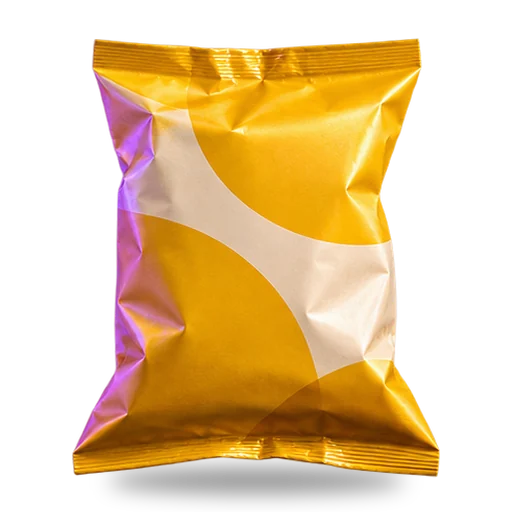 Potato chips10.00
No customer on this sale — it can be completed as is.
Subtotal57.00
Total57.00 SAR
incl. VAT 15%7.43
Recent sales
- S-1041 · Main Branch · Card184.00
- S-1040 · Marina Branch · Cash62.50
- S-1039 · Main Branch · Card410.00
Tap products to build the sale, then record it and watch it travel: stock goes down at this branch, the member earns points, and the reports update — the chain the app runs in one transaction.
Ready to run your own?
You will continue in the ZAXORE app to create your account and set up your business.
How ZAXORE fits a café / restaurant