
- Features
- Headquarters for groups
Multi-company and holding group management: See the whole group without merging the books.
For owners of several businesses. On the Business plan you can run several companies in one workspace, switch between them in one tap and see them side by side, each in its own currency. Headquarters goes further: a guided setup turns one company into the holding, its subsidiaries appear underneath with their own sales and alerts, and you open any company and branch and come back by the breadcrumb. Ownership is recorded from your documents and stays “unverified” until someone checks it. Headquarters is in early access: it is built and tested, and Zaxore switches it on company by company on request.
What you can do
- Several companies in one workspace, a one-tap switcher and a side-by-side portfolio, each company in its own currency (Business plan)Live
- Guided setup that turns one company into the holding; a holding-only company can exist without a register or stockEarly access
- The holding on top and each subsidiary’s own sales, labelled as such — open a company, then a branch, and return by the breadcrumbEarly access
- Ownership recorded from your documents, “unverified” until a second person checks itEarly access
- An executive view per currency — approvals, alerts and deadlines — showing only what each person may see; currencies are never added togetherEarly access
- Resolutions, appointments and corporate documents in one place, with remindersEarly access
- Consolidation and intercompany tools for your accountant, switched on only after your accounting policy is approvedEarly access
In the app
Screens captured from the Zaxore app on sample data; names that belong to real businesses are hidden.
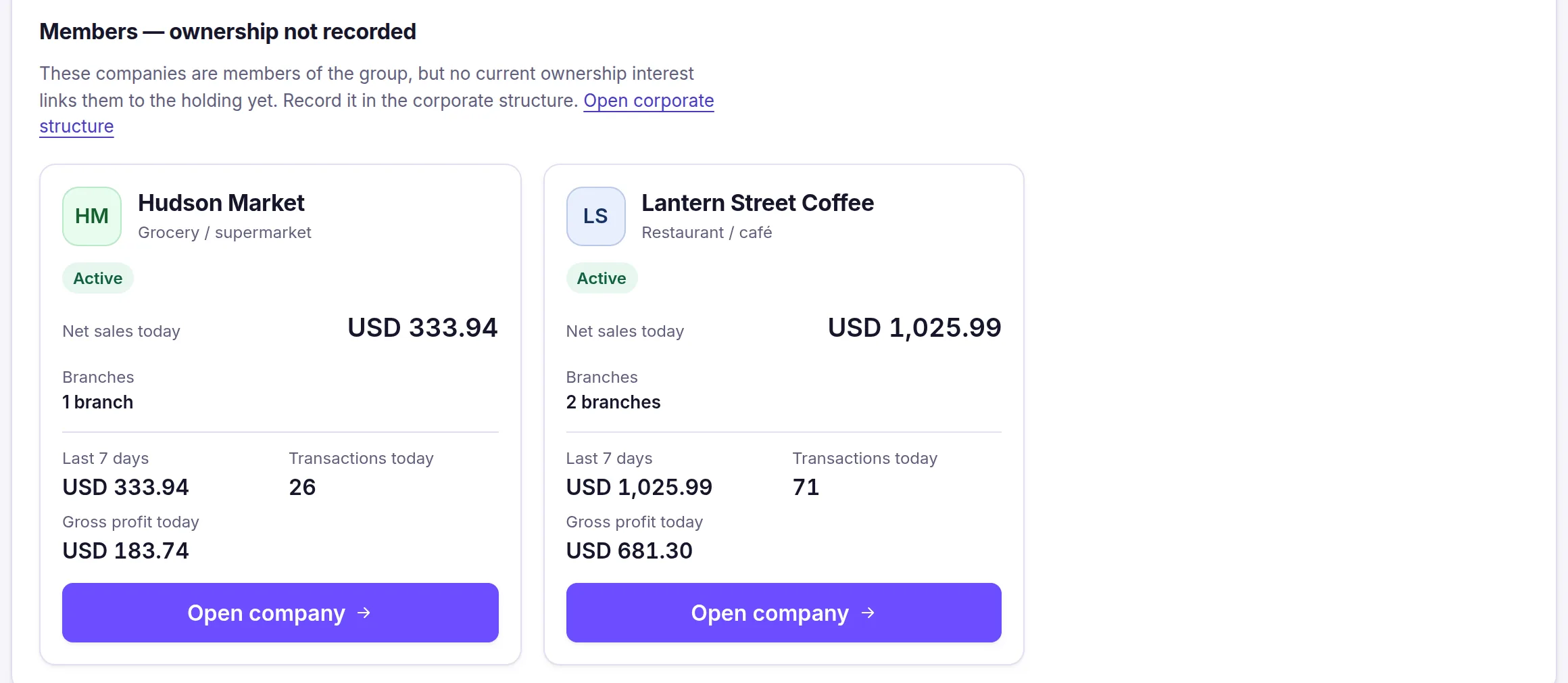
Source and capture details
- Source
- The app run locally, synthetic sample data
- App release
- 92c0c3a
- Captured
- 2026-10-16
- Edits
- Cropped to this part of the page. Nothing hidden or retouched.
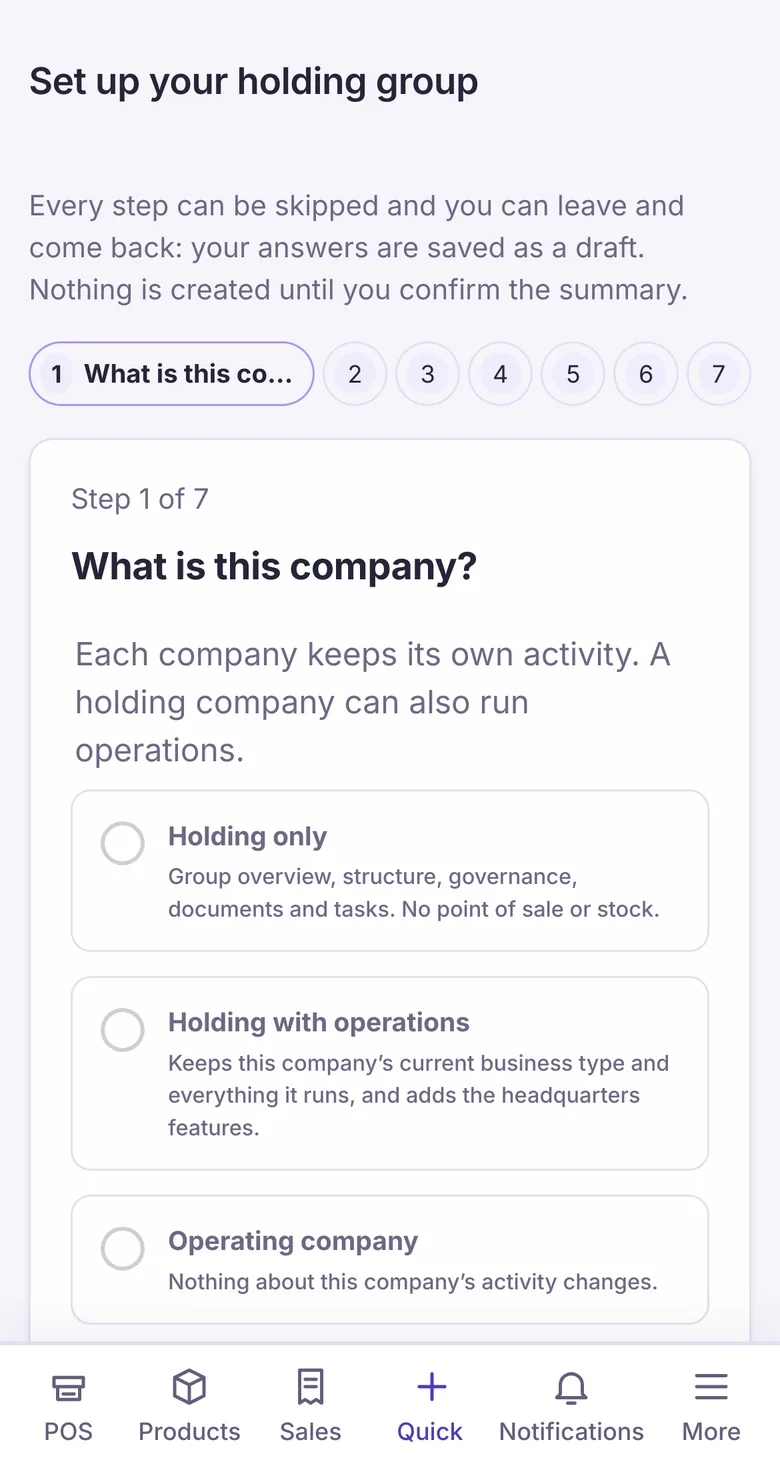
Source and capture details
- Source
- Safari-engine test run, synthetic data
- App release
- ce0aeac5
- Captured
- 2026-10-15
- Edits
- Top bar cropped out (it showed a company name).
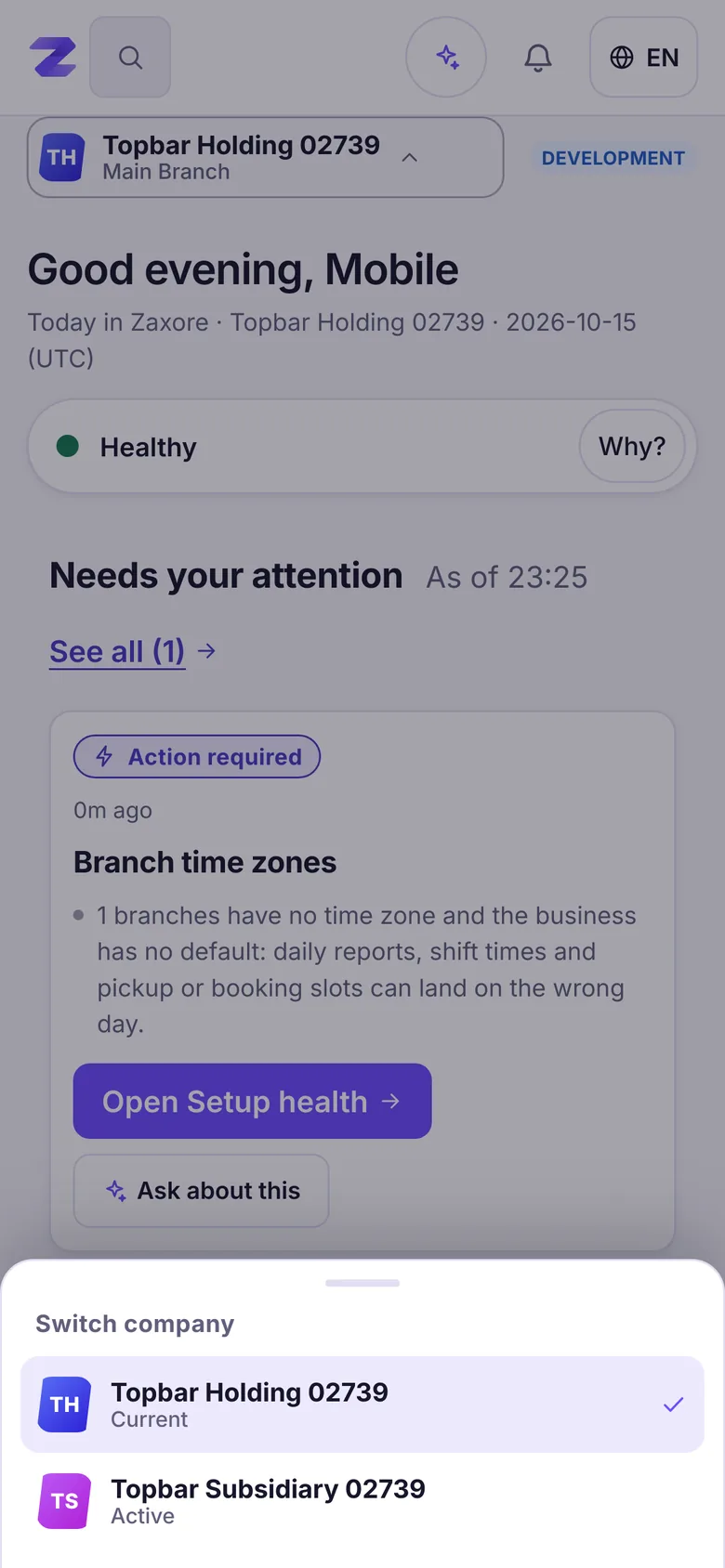
Source and capture details
- Source
- Safari-engine test run, synthetic data
- App release
- ce0aeac5
- Captured
- 2026-10-15
- Edits
- None. Company names are the test run’s own.
Who uses it
Only the workspace owner sees Headquarters at first; managers, accountants and cashiers keep working inside their own company and branch.
How it connects
Each subsidiary keeps its own register, stock, staff, books and currency. Headquarters reads them; it never merges or changes them.
From the help center
Does it work for a single business or several branches?
Both. A company can have one location or many branches and warehouses, each with its own registers and stock, and a workspace can hold several companies.
How do I set up my company and add a branch?
Complete the business profile, then add branches and registers from Locations; the dashboard checklist tracks these steps.
Owner, branch manager, cashier, employee: what does each see?
Each role sees only its tools: the owner sees everything, a branch manager sees their branch, a cashier sells at their register, and other staff see their module.
All features
Companies & branches
One account for all your companies and branches, with each person working in the branch they run.
Partner portal
Profit-share partners see their own approved statements and the payments recorded for them — nothing else.
Sales & point of sale
Scan, take cash, card or both, and close the shift with the drawer counted. Exceptions go to a manager.
Products & inventory
One catalogue, stock per branch — on hand, reserved and available — and the history of every change.