
- Features
- Sales & point of sale
POS system: registers, shifts, barcode scanning and payments: A fast register that keeps every sale right.
Cashiers open a shift, scan or search products and take cash, card or a split of both; the totals and tax are worked out for them. A card payment taken on your own terminal is recorded in Zaxore; Zaxore does not process cards. Discounts carry a reason; refunds and voids need the right permission. When a discount or a drawer difference goes past your limit, a manager approves it from their own signed-in device, so no one shares a password at the counter.
What you can do
- Registers, shift open/close with cash reconciliationLive
- Barcode scanning by phone camera, USB/Bluetooth scanner or typingLive
- Zebra scanners in keyboard (HID) mode — no model verified yet; each requires device compatibility verificationLive, with limits
- Cash, card or split payments; a card payment from your own terminal is recorded, not processedLive
- Discounts with mandatory reasons; above your limit, a manager approves from their own signed-in deviceLive
- Full and partial refunds, voids, held sales resumed on any register of the branch, promotions (buy X get Y, percentage off a category, happy hours)Live
- Barcode and product search side by side, keyboard shortcuts (F2 barcode, F9 charge), quick cash amounts, and a finish screen with change and points earnedLive
- Receipts, X/Z reports and labels printed through the browser to any printer your device uses; customers can also open their receipt from a QR code or linkLive
- Choosing a size or colour variant at the registerPlanned
- Integrated card payment terminalsPlanned
- Cash sales without an internet connection, each synced exactly once when it returns; card, split, refunds, discounts, rewards and shift close wait for the connectionLive, with limits
- A second screen or tablet that shows the order to the customerLive
- ESC/POS receipt printers and a cash drawer, in Chrome or Edge — not yet certified on any modelNot certified
In the app
Screens captured from the Zaxore app on sample data; names that belong to real businesses are hidden.
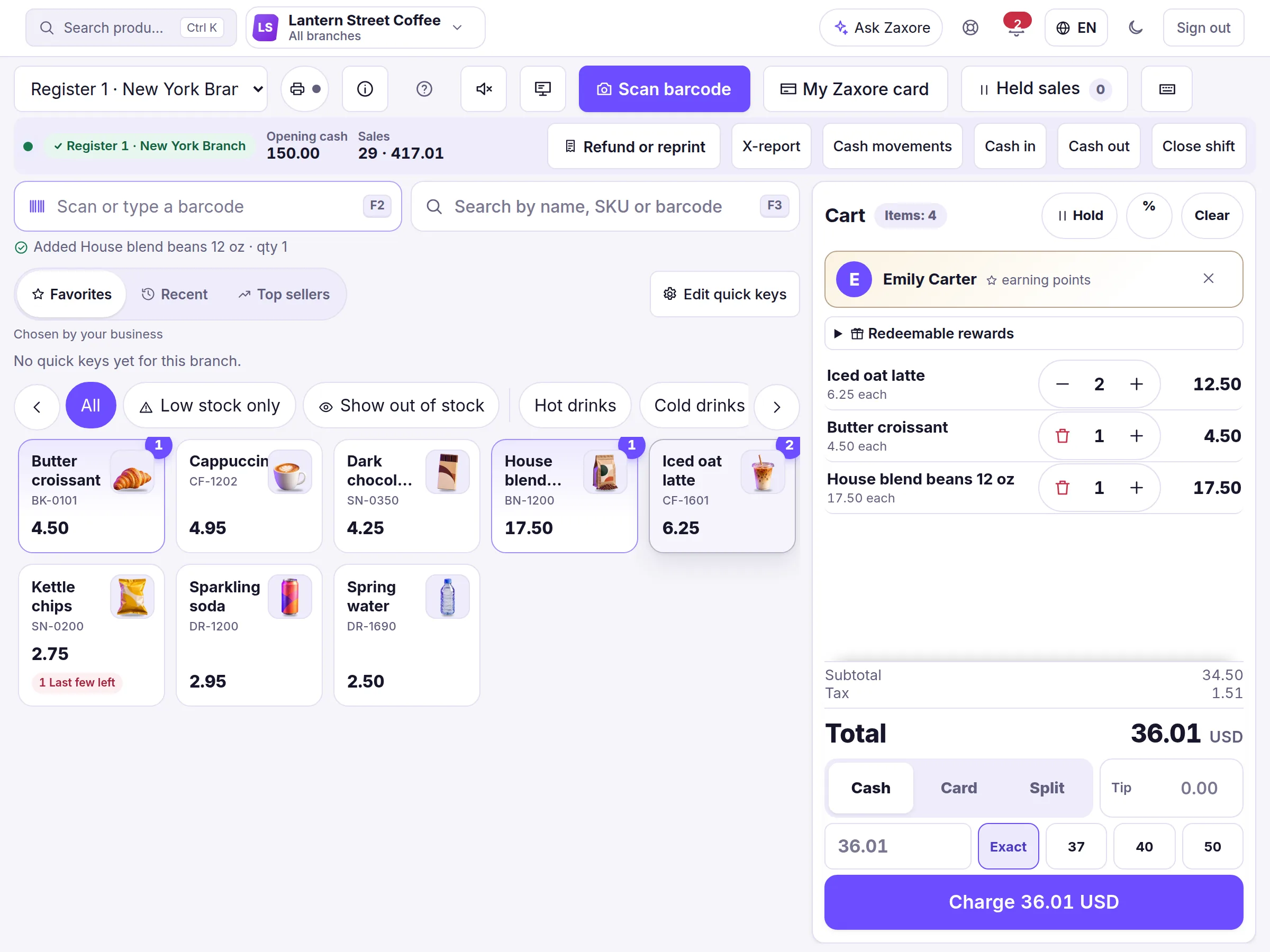
Source and capture details
- Source
- The app run locally, synthetic sample data
- App release
- 92c0c3a
- Captured
- 2026-10-16
- Edits
- Navigation sidebar cropped out. Nothing hidden or retouched.
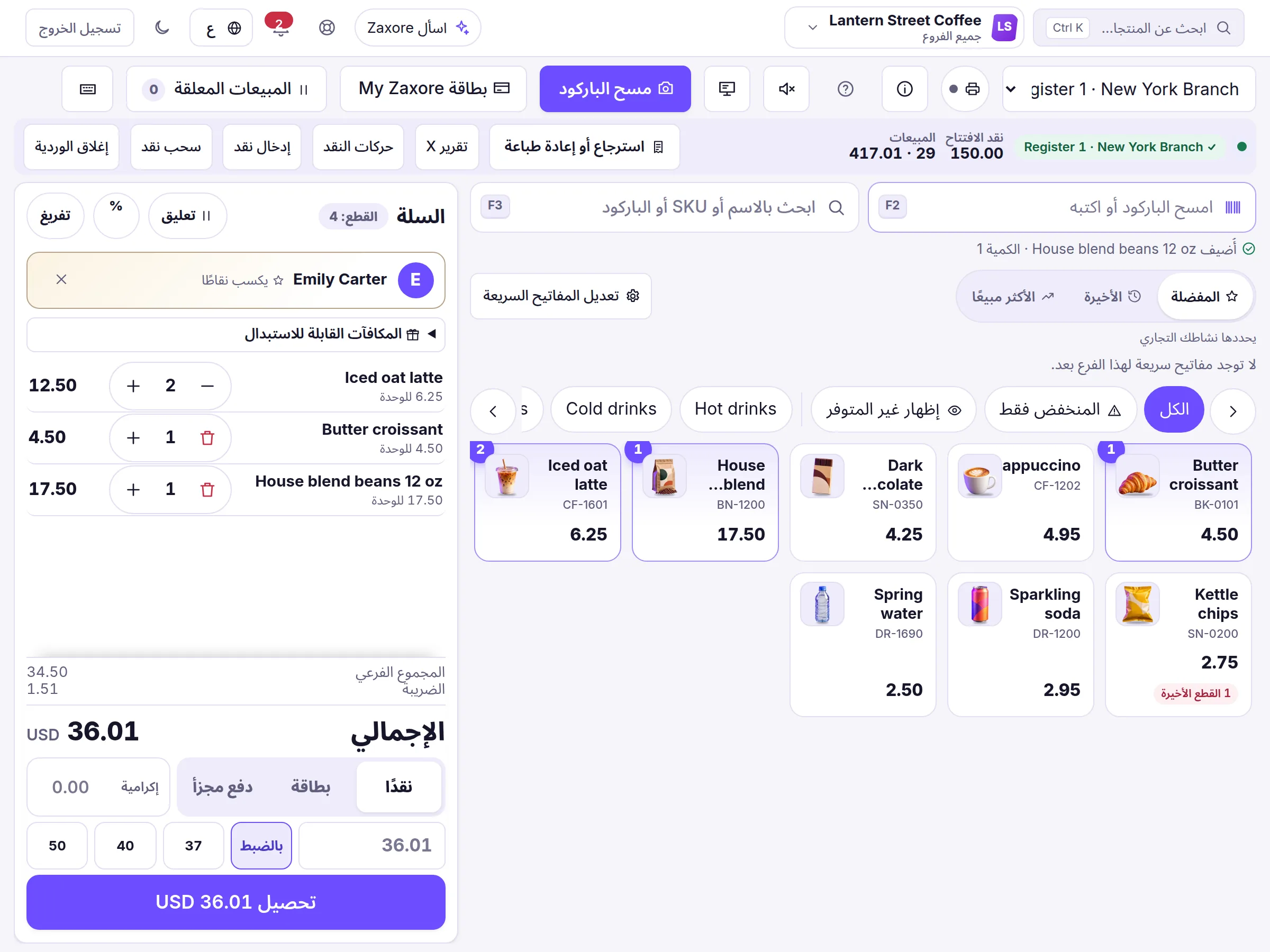
Source and capture details
- Source
- The app run locally, synthetic sample data
- App release
- 92c0c3a
- Captured
- 2026-10-16
- Edits
- Navigation sidebar cropped out. Nothing hidden or retouched.
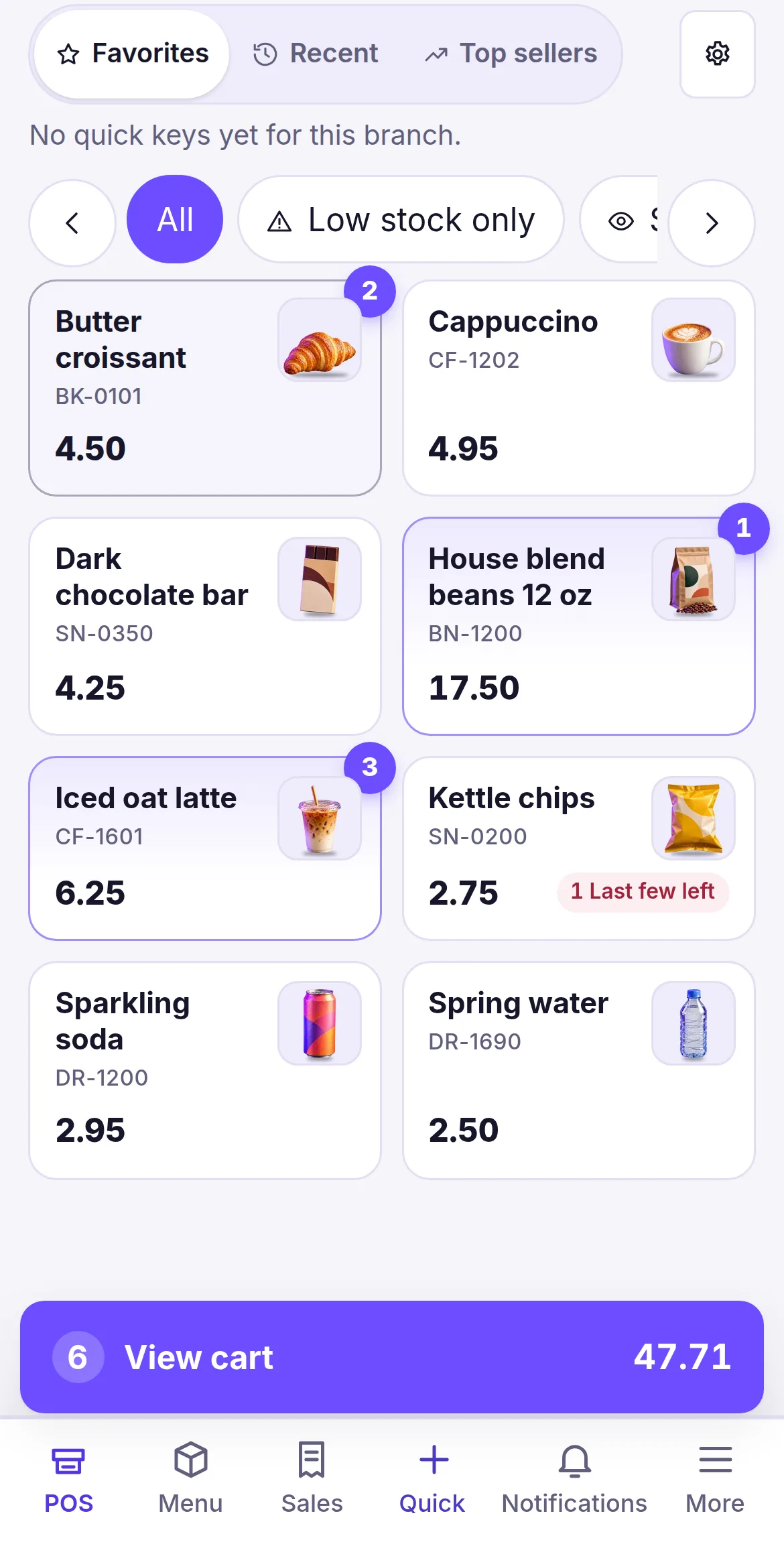
Source and capture details
- Source
- The app run locally, synthetic sample data
- App release
- 92c0c3a
- Captured
- 2026-10-16
- Edits
- Cropped below the top bar. Nothing hidden or retouched.
Who uses it
Cashiers sell within their register; managers approve exceptions and see the branch; owners see everything.
How it connects
Checkout deducts stock atomically, earns loyalty points for the customer on the sale, and lands in reports immediately.
From the help center
How do I add products and start selling?
Create products with SKU, barcode, price and initial stock, then open a shift at the register, scan or search, and take payment.
How do I scan barcodes?
With the phone camera, a USB or Bluetooth scanner, or by typing the code — in the product form and at the register.
Can I use a Zebra barcode scanner?
Yes, when the scanner works as a keyboard (USB HID or Bluetooth HID): it types the code and Enter into Zaxore's fields. There is no dedicated Zebra integration, and no Zebra model has been tested yet — each one requires device compatibility verification.
Guides
All features
Companies & branches
One account for all your companies and branches, with each person working in the branch they run.
Headquarters for groups
A holding company on top and each subsidiary with its own figures, in its own currency — one tap to open any of them.
Partner portal
Profit-share partners see their own approved statements and the payments recorded for them — nothing else.
Products & inventory
One catalogue, stock per branch — on hand, reserved and available — and the history of every change.